Choose a workspace
Use the view rail above the preview to switch between current application pages.
Interactive product tour
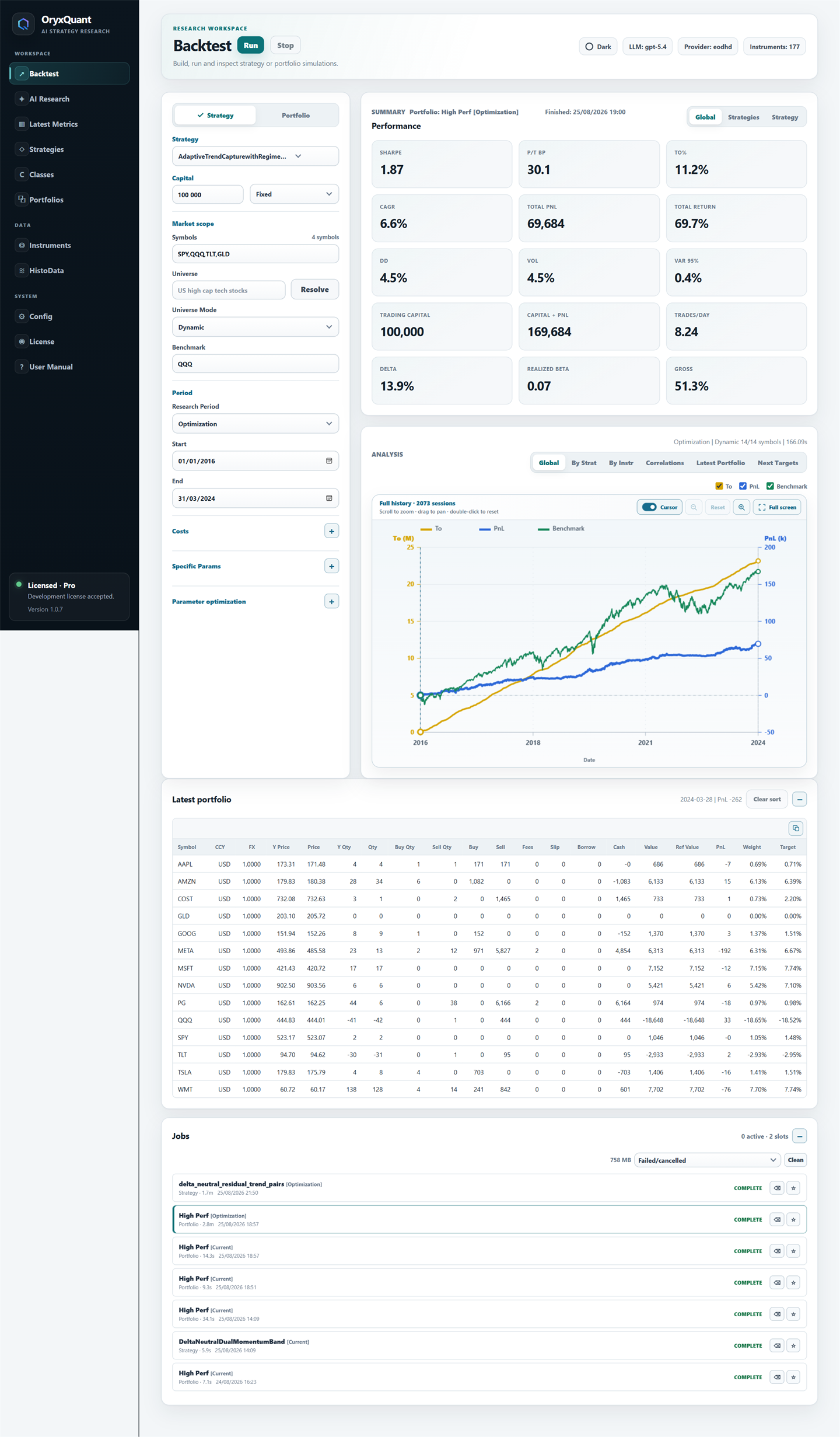
Choose a workspace, then scroll its current interface at full length. Move through the complete loop without leaving the tour.
How to explore
Use the view rail above the preview to switch between current application pages.
The frame preserves each page's real vertical length so its controls and panels stay visible.
Move from AI Research to saved strategies, portfolios, market data, and backtests.
Product overview
Read the complete capability map and the principles behind local, auditable strategy research.